 (US) 2-5 days delivery | Free shipping over $10
الاستلام غير متوفر حاليًا


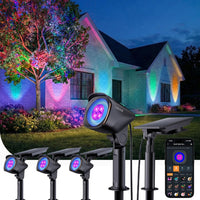
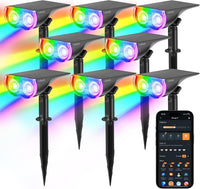
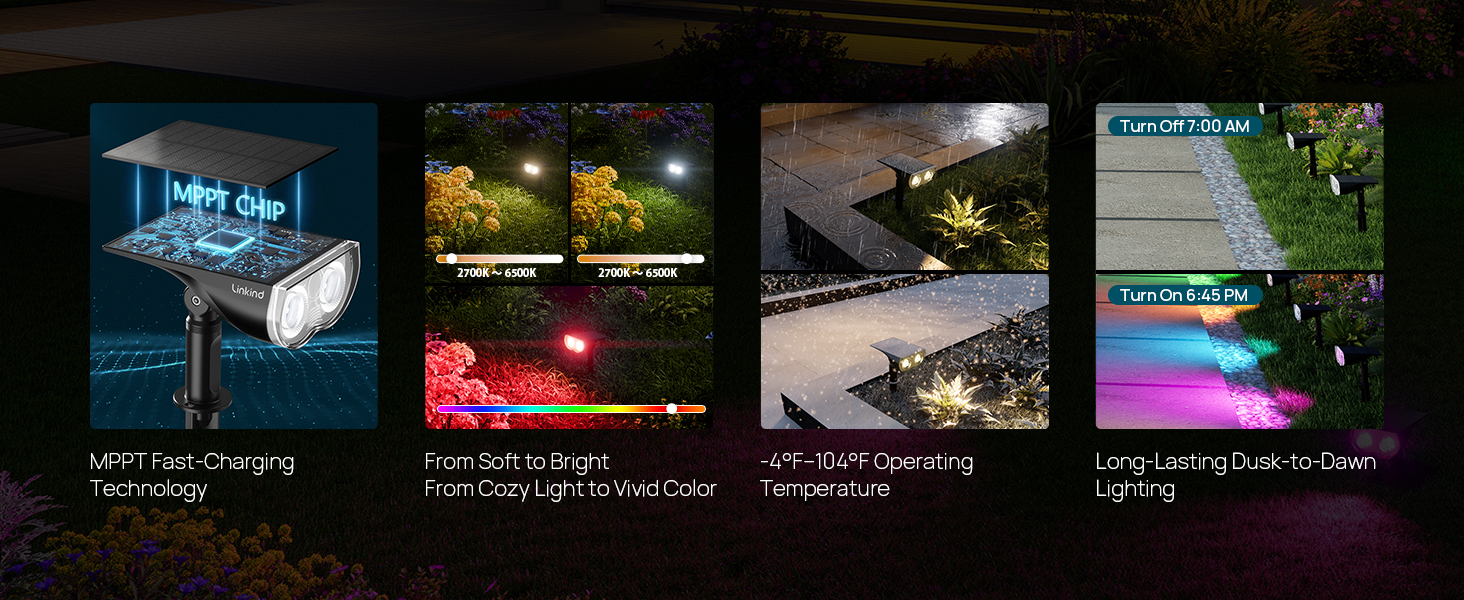
مصباح كشاف شمسي ذكي خارجي Linkind SL5C (150 لومن، تحكم عبر التطبيق والصوت، 16 مليون لون، مقاومة للماء IP67)

الاستلام غير متوفر حاليًا





 (US) 2-5 days delivery | Free shipping over $10
الاستلام غير متوفر حاليًا

ملاحظة: يرجى استخدام أحدث إصدار للبرنامج الثابت، الإصدار 2.5.0، لتمديد مدة الإضاءة عالية السطوع، وتحسين عمر البطارية، وحل مشكلات الاتصال. الخطوات هي: إعدادات الجهاز > إصدار البرنامج الثابت > الترقية الآن. بمجرد الترقية، حدد "ابدأ".




 ملاحظة: يرجى استخدام أحدث إصدار للبرنامج الثابت، الإصدار 2.5.0، لتمديد مدة الإضاءة عالية السطوع، وتحسين عمر البطارية، وحل مشكلات الاتصال. الخطوات هي: إعدادات الجهاز > إصدار البرنامج الثابت > الترقية الآن. بمجرد الترقية، حدد "ابدأ".


|
Linkind Smart Outdoor Solar Spotlight SL6C
$99.99
| Solar Powered | LED | 32 | RGB+White | 200 lumen | 3.7 Volts | 2 watts | IP66(Storm-Proof) | √ | √ | √ | √ | 1 year | App, Alexa,Google Home,Push Button | |
|
Linkind Smart Outdoor Solar Spotlight SL5C
$29.99
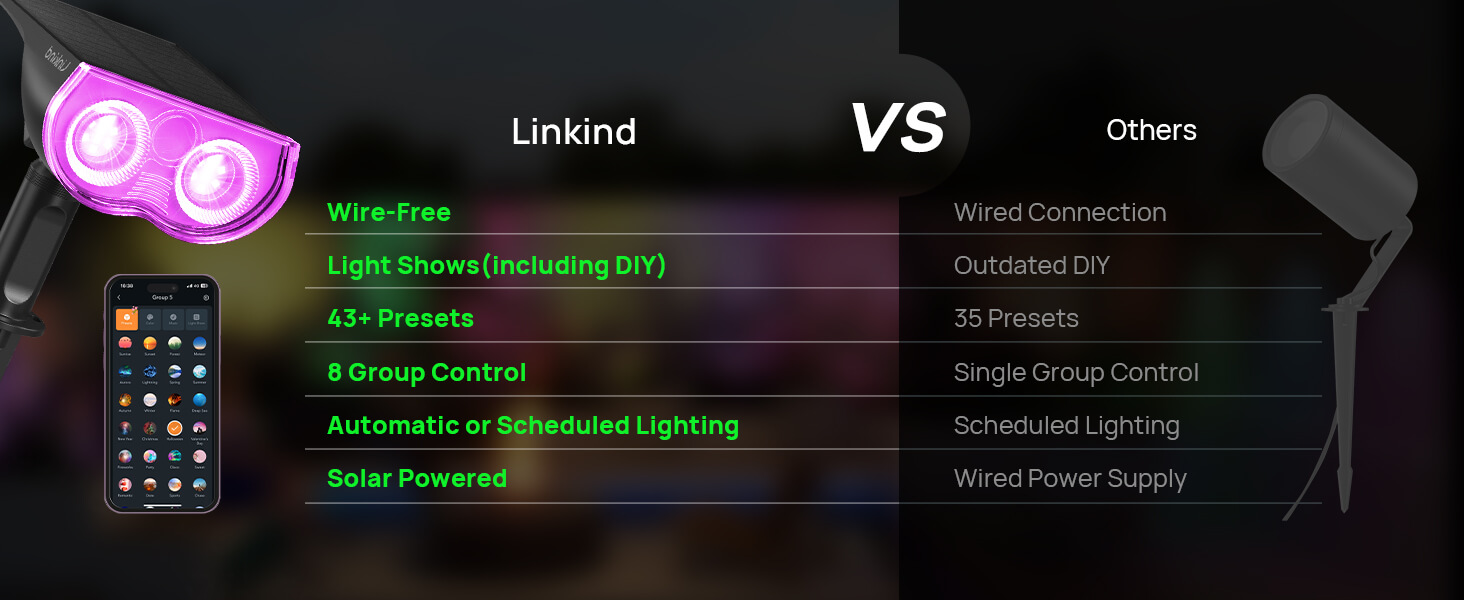
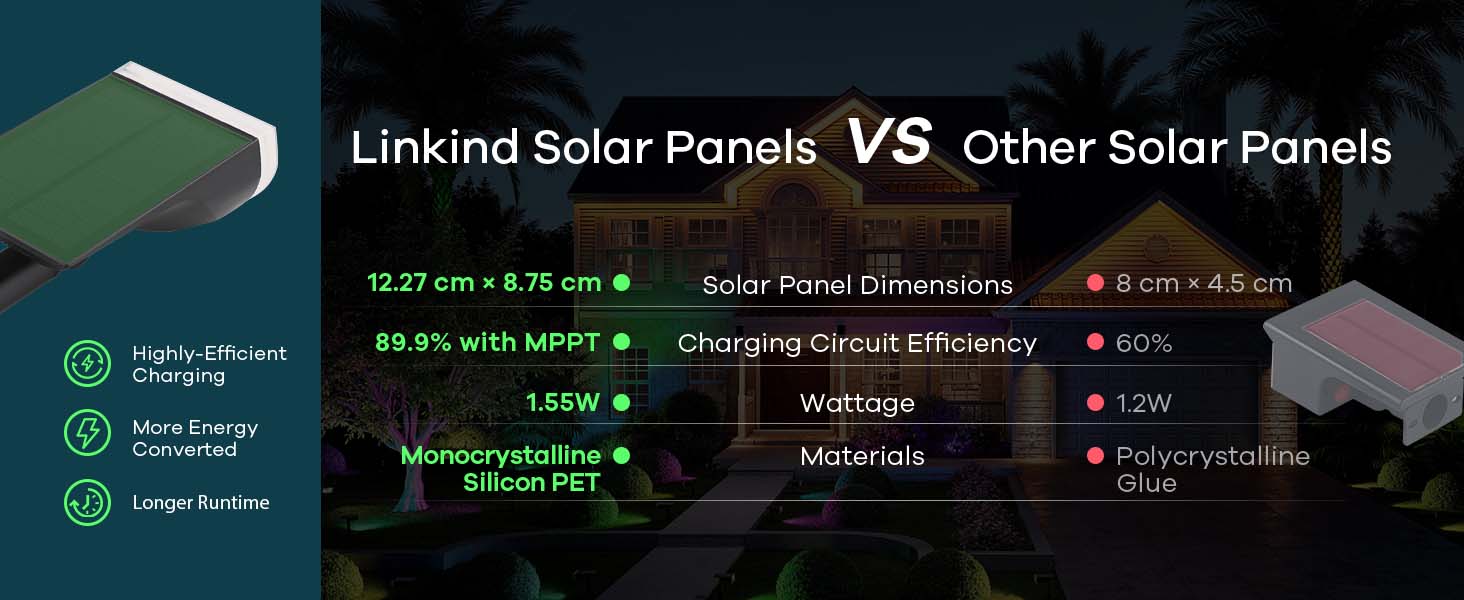
| Solar Powered | LED | 16 | RGB | 150 lumen | 3.7 Volts | 1.55 watts | IP67(Short-Term Submersible) | √ | √ | √ | × | 1 year | App, Alexa,Google Home,Push Button | |
|
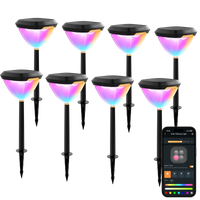
Linkind SP6 Smart Solar Pathway Lights
79.99
| Solar Powered | LED | 8 | RGB+Tunable White | 60 lumen | 3.7 Volts | 1.8 watts | IP67(Short-Term Submersible) | √ | √ | √ | Auto Pattern Changing | 3 year | App, Alexa,Google Home,Push Button |
| Power Source | Solar Powered |
| Installation Type | Wall Mount/Ground Insert |
| Control Method | App, Touch, Voice |
| Water Resistance Level | Waterproof |
| Color Temperature | 6500 Kelvin |
| Light Color | Multi-colored |
| Fixture Type | Outdoor Lighting Fixture |
1. Keep phone and light within 98 feet (in an open area.) 2. Enable your phone's Bluetooth. 3. Long-press the red button on the light for 5 seconds until the light enters cool light/warm light cycle, then add the light to the app.
1. In a low battery state. 2. The default setting is to turn off after 30 seconds. Adjust in AiDot: "Settings" > "Lighting Duration."
1. Check if there is any external light source interfering. 2. Charge for a while, then cover the solar panel to test. 3. Ensure hearing a clear "click" sound when pressing the button.
Press the red button to adjust color until the light turns off. The light will not turn on again unless you press the button to wake it up.