


 (US) 2-5 days delivery | Free shipping over $10
الاستلام غير متوفر حاليًا


مصابيح لينكد الذكية BR30 (مسودة)

الاستلام غير متوفر حاليًا
 (US) 2-5 days delivery | Free shipping over $10
الاستلام غير متوفر حاليًا
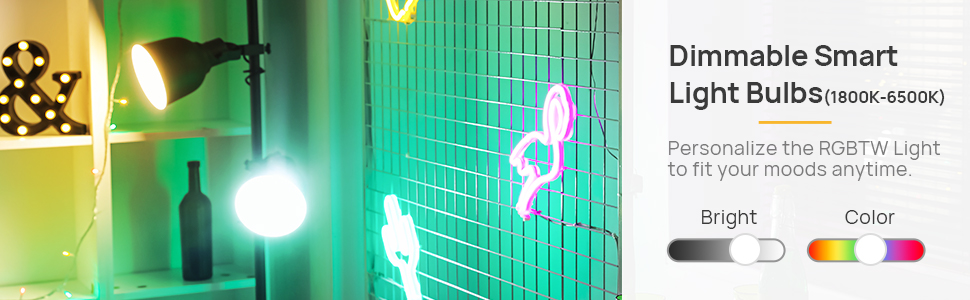
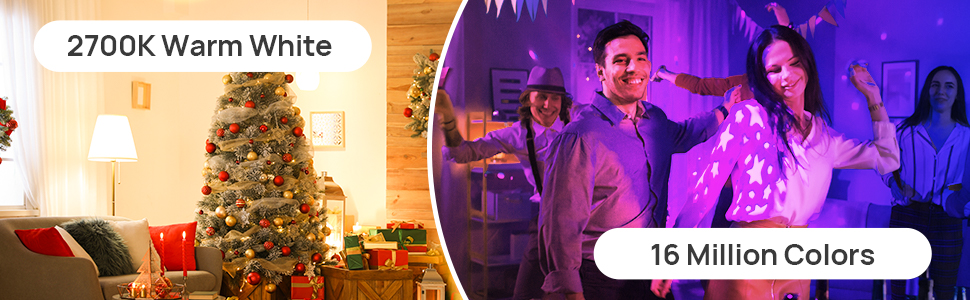
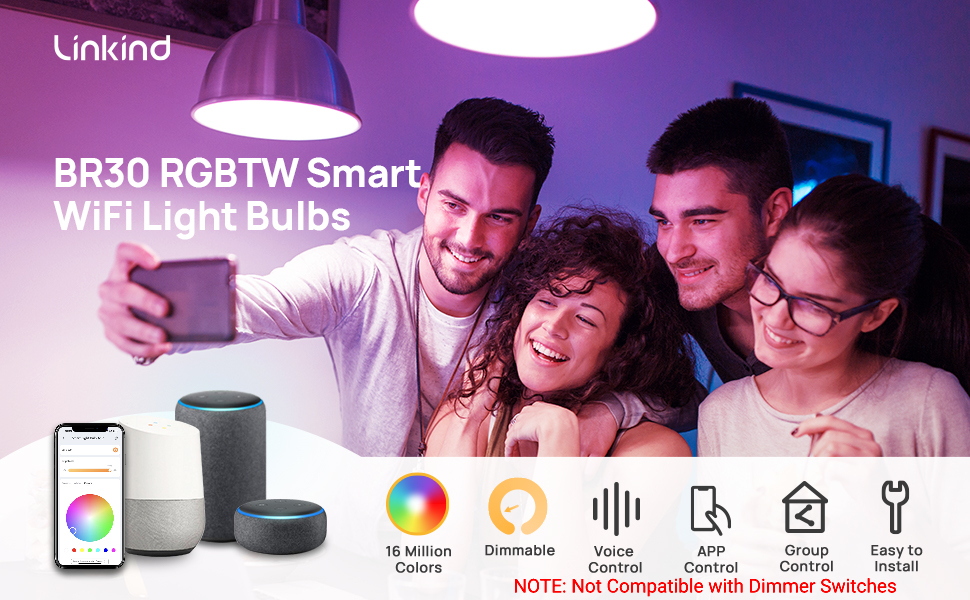 تحكم ذكي كامل: صوت، تعتيم وألوان لا نهاية لها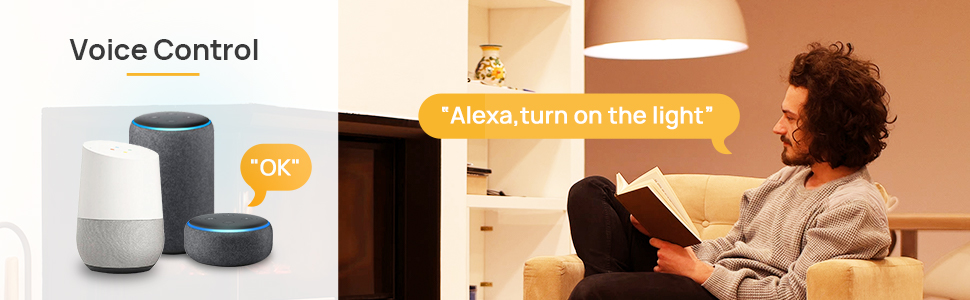

| Light Type | LED |
| Bulb Shape Size | BR30 |
| Bulb Base | E26 |
| light Source Wattage | 8 Watts |
| White Brightness | 650 Lumens |
| Color Temperature | 2700 Kelvin |
| Lifespan | 25000+ |
| Light Color | Warm White |
1. Turn on the bulb, open AiDot APP, tap"Add Device", select "Nearby"to connect via Bluetooth. 2. Follow the prompts to turn on location and Bluetooth permissions. 3. After automatic detection by the app, select the detected bulb. 4. Select home network, enter its password and wait to connect.
Step 1: Power on the bulbs. Step 2: Turn on and off the light for six times in a row, the interval is about 1.5s, not too fast or too slow. Step 3: Turn it on at the 7th time, bulbs will run a color shift, which means the resetting is done and it is in pairing mood. After resetting, please re-add the bulb to AiDot APP.
1. First sign in both the AiDot APP and Alexa APP. Next tap "Aidotor" in the AiDot APP, select "Integration". 2. Follow the on-screen instructions to link with Alexa.

